

Home BusinessCryptocurrencyHow to Create a Wallet in Trust Wallet: A Beginner’s Guide
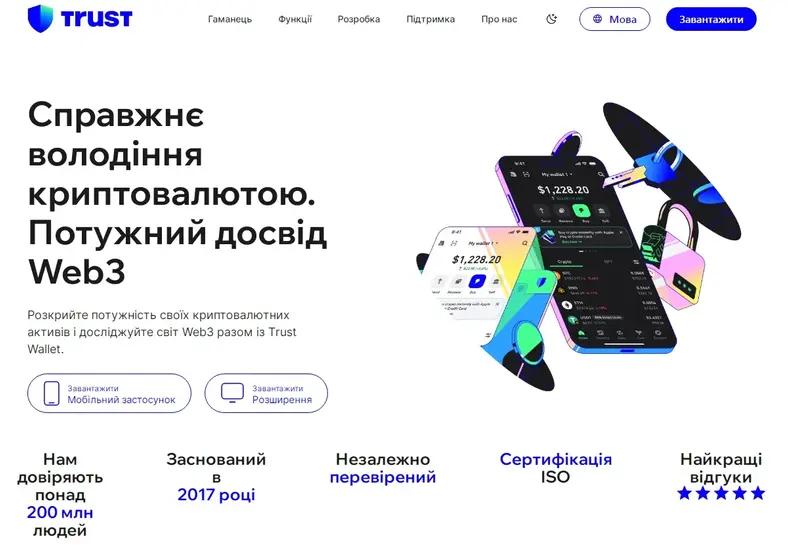
BusinessCryptocurrencyHow to Create a Wallet in Trust Wallet: A Beginner’s GuideBusinessCryptocurrencyHow to Create a Wallet in Trust Wallet: A Beginner’s GuideTrust Wallet is the official mobile wallet from Binance. It supports over a million coins and tokens across different blockchains. Its main feature is being non-custodial, which means only you have full control over your funds. Your private keys and seed phrase are stored on your device. On top of that, Trust Wallet is simple and user-friendly, making it perfect for beginners.
Trust Wallet lets you store assets, swap them, stake coins, and connect to decentralized apps. It’s an all-in-one tool, and getting started is easy. You don’t need special knowledge or complex setup. Here’s what you’ll need:
It’s also a good idea to have a piece of paper or notebook to write down your recovery (seed) phrase, since that’s your only way to restore access.
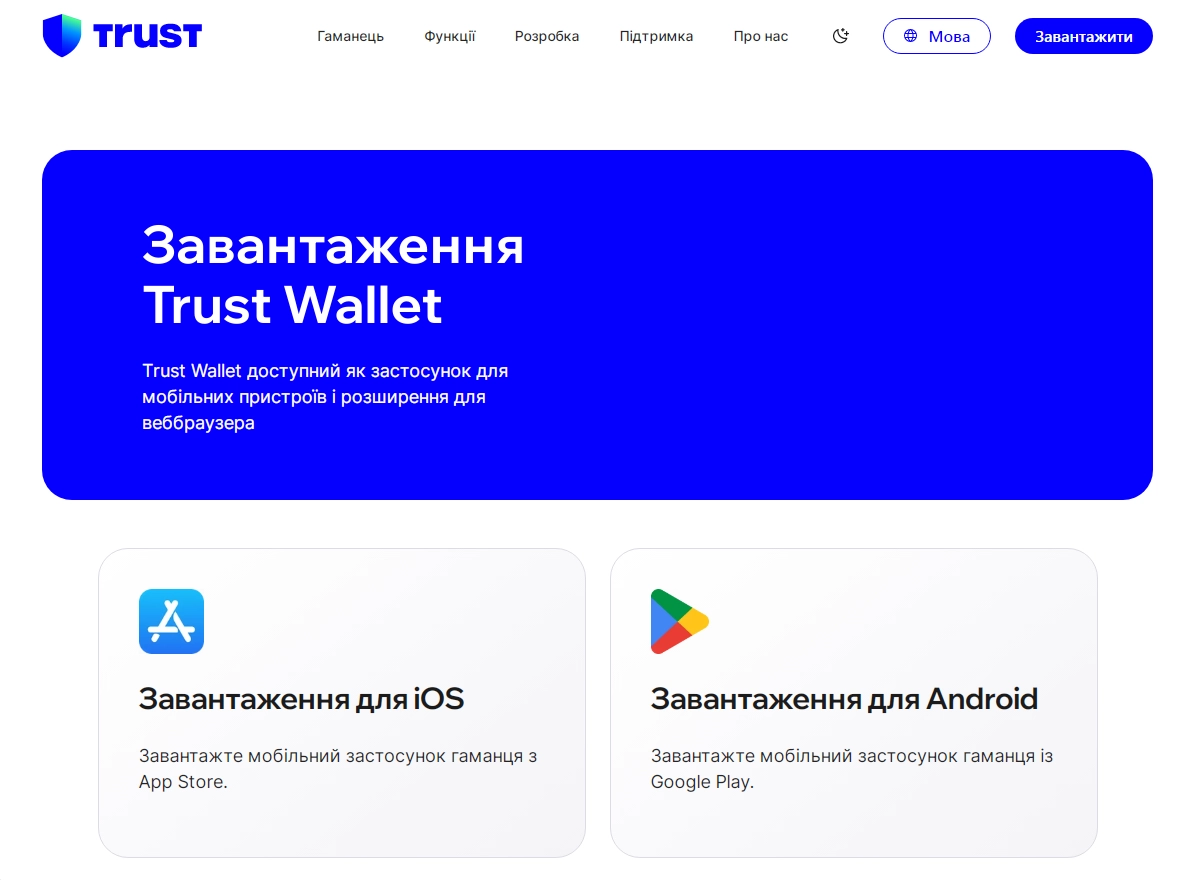
Download the app only from official stores:
When installing, check for these signs:
Avoid downloading from random websites or links — fake apps can steal your funds. The safest option is to go through the official Trust Wallet website.
Once Trust Wallet is installed, open the app. You’ll see two options:
For new users, the first option is selected. Next, you need to agree to the terms of use. After confirmation, the system will generate a unique seed phrase, which will be the only way to regain access to money in case of phone loss or deletion of the application.
Saving and protecting the seed phrase is an important point. A seed phrase consists of 12 or 24 random words. It must be stored as securely as possible, because possession of this phrase gives you full control over the crypto wallet.
Tips for storing your seed phrase:
If you lose your seed phrase, you won’t be able to recover your wallet.
To finish creating your wallet, you’ll need to confirm the phrase by entering the words in the right order. This proves you’ve saved it correctly.
Common mistakes:
You may also like:
Once confirmed, your Trust Wallet will be ready to use.
Trust Wallet is very straightforward, which is why beginners often choose it. The main screen shows your balance and list of coins. Key buttons are:
By default, only a few popular coins are shown, but you can add more through the search bar.
After creating a Trust Wallet, you can start working with cryptocurrencies. The first step is to learn how to receive and send coins:
Practical advice for beginners:
Trust Wallet has built-in features to improve security:
Basic security rules:
It only takes a few minutes to set up Trust Wallet. If you’d like a visual walkthrough, check out this video:
Trust Wallet makes storing and using cryptocurrency simple and convenient. Creating a wallet takes just a few minutes. For beginners, it’s one of the best choices thanks to its intuitive design, support for many coins, and mobile access. A solid start if you’re new to crypto.
To do this, open your wallet, choose the coin, tap Send, enter the recipient’s address, and confirm the transaction.
Trust Wallet is usually installed on a phone. However, you can also use it on a computer with a special browser extension, which is available on the official website.
Yes, Trust Wallet is safe. It uses modern encryption and security methods. The most important thing is to be careful and not lose your password or seed phrase.

 On the portal with 25.06.2023
 75 articles
 322355 переглядів

The questions you can ask a guy when communicating can be different. The main thing is that they are suitable for a c...
 September 6, 2026
  141.0 K
Dumbbell exercises for men — 65 moves to train every muscle group at home or in the gym. This guide covers shoulders,...
July 3, 2026 32.8 K
Want to find someone online by their full name? This guide shows how to use a true people search finder – from social...
June 27, 2025 20.3 K
Turkish TV series (Turkish dizis) have become a global phenomenon — romance, family drama and crime stories with high...
September 6, 2026 16.1 K
Explore 110 authentic compliments to make a girl feel special. Find tips and phrases to compliment a girl naturally a...
July 1, 2025 14.8 K
NFTs aren’t just a trend–they’re a new way to prove ownership online. This guide breaks down what NFTs are, how they ...
July 3, 2026 10.4 K
Looking for the perfect words to add to your photo album? We’ve gathered over 70 captions for photo albums–funny, emo...
July 3, 2025 7.5 K
Today, many amateur gardeners are interested in planting blueberries and growing tall blueberries. Its delicious berr...
February 8, 2024 6.5 K
Looking to boost your income without leaving the house? From freelance gigs to content creation, this guide reveals 1...
September 6, 2026 5.6 K
Most Ukrainians have likely held euros, the currency of the Eurozone, in their hands. Everyone notices their bright c...
August 22, 2024 5.6 KExpert recommendations and exclusive offers in your inbox.
This section contains information about gambling and is available only to persons who are 21 years of age or older in accordance with the applicable laws of Ukraine. Please confirm that you are 21 years of age or older.
This platform does not have a Ukrainian license. The link is provided for informational purposes only. Participation in games on such sites may violate Ukrainian law.